On Fri, 2008-02-08 at 03:49 -0300, Ricardo LarraÃaga wrote:
Hello, my name is Ricardo and i am new using dia. I have a question and
hope someone out there can help out.
I have created many shapes and a sheet to save them for my diagrams.
When i created the shapes y was very careful with the size of each
chape, because they represent real things (connectors), and i wanted to
be able to create a 1:1 scale diagram. The problem is that when i drag a
shape created by me from my library sheet into a new diagram, i get the
shape with another size that isnt the one i created it with. Can someone
help me find out how can i drag a shape created by me from the sheet and
get the real size of the shape in the new diagram. Does it have
something to do with diagram scales?.
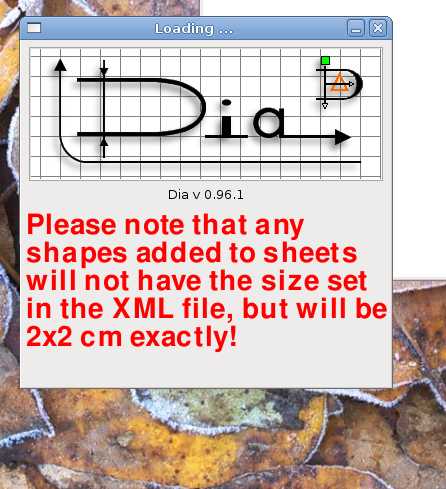
I take it you want the start-up screen to look something like the
attached image.  I'm sure that can be done:)

Seriously, there are many things that still need to be fixed in Dia, and
as Marcel notes, the main developers are hit by full-time jobs and can't
devote much time to development anymore.  The best thing you can do in
this case is go to live.gnome.org and improve the documentation -- there
are several pointers to how to make shapes, but they can all do with
improvement and with getting integrated in the live.gnome.org site.  And
*you can do this* -- anyone can make a live.gnome.org account and start
improving the documentation.  That's how open source works -- you find
an itch and scratch it as best you can.

FYI, there's a patch coming in that allows the size to actually be used,
so this particular problem will be solved.  The problem of not having
enough time to develop Dia remains, though:(

-Lars
Attachment:
Screenshot-1.jpg
Description: JPEG image